
Table of Contents
Hello my friends. I’m Camille. Over the past two weeks, I ran Vidu Q3 through my everyday list: e-commerce hero shots, social cover loops, and a few brand portraits where identity really matters. I wanted quick motion, honest texture, zero plastic shine. Vidu Q3 did well, sometimes wonderfully. And when it stumbled, the fixes were refreshingly practical. Here’s what worked for me, with time saved, settings that stuck, and a handful of prompts you can gently borrow.
Best Source Images (What Works)

I learned (again) that the starting image does 70% of the lifting. Past me was so serious about “we’ll fix it in post.” Present me knows: a well-behaved still becomes a well-behaved motion.
What consistently played nice in Vidu Q3 image to video:
- Clean subject edges and balanced contrast. If your product or face melts at the borders in still form, motion exaggerates it. A quick edge cleanup or gentle de-noise helps.
- Natural lighting with a defined key direction. Vidu Q3 keeps lighting continuity better when it can “see” where the main light lives. Side-lit portraits held identity better than flat-lit ones.
- Mid-distance framing. Extreme close-ups made micro-expressions jitter. When I pulled back a little (shoulders-up for faces: 3/4 for products), the identity held. Ahh, that’s nicer.
- Texture-rich, but not over-sharpened. Wood grain, knit sweaters, brushed aluminum, lovely. But halo edges from oversharpening can ripple in motion.
What tripped it up (and how I patched it):
- Heavy makeup + glossy speculars on faces: I got mini “glint pops.” A quick matte pass in the still toned it down. “Well, that settled nicely.”
- An over-busy background: subtle camera drift turned into a magic-eye puzzle. Simple fix: blur the BG slightly or crop tighter.
- Compressed socials (screenshots of screenshots): artifacts danced. Upscale or run a light de-block before Vidu.
Real-world note: Two product clips (a satin lipstick and a ceramic planter) each went from static PNG to 4-second loops in about 3 minutes end-to-end, including a tiny cleanup pass. Old me would’ve keyframed a fake light sweep for 20.
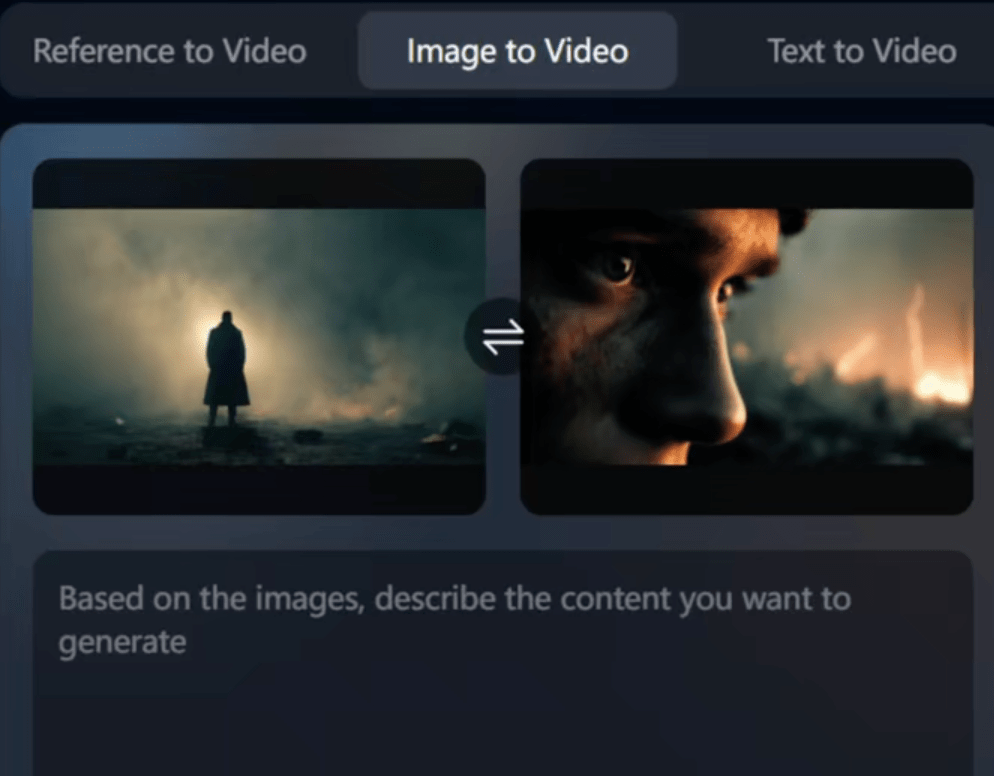
Motion Prompting That Preserves Identity
If you’ve ever watched a portrait smile morph into “someone else’s cousin,” you know why identity-preserving motion matters. With Vidu Q3, the sweet spot was suggesting mood and micro-movement rather than commanding a scene change. Think breath, blink, cloth rustle, quiet.
What I did in practice:
- Anchor the subject: I mention what must stay constant (face geometry, product silhouette, logo placement). Vidu seems to honor these when explicitly named.
- Describe motion as a layer on top, not a rewrite: “Soft head tilt, one degree,” beats “turn head.” Words like slight, subtle, gentle did real work.
- Tie motion to the environment: “light from left flickers softly,” “steam wafts upward,” “fabric breathes on exhale.” Environmental cues support identity instead of bending it.
A little surprise: eye motion. Asking for “natural micro-saccades” made eyes feel alive without that haunted doll energy. Ooh, look at that.
“Small Motion” Recipe
This is the setting combo that gave me reliable, human-feeling movement while keeping faces and logos steady. It’s not a rule, just what saved me the most back-and-forth last week:
- Motion intensity: low to low-mid. If there’s a dial or numeric, I stayed in the 0.2–0.35 band.
- Motion scope: local. Name a region: “mouth corners relax,” “shoulders drop slightly,” “steam above mug swirls.”
- Identity locks: “preserve facial structure and skin texture,” “keep logo edges crisp,” “no geometry stretch.”
- Time shape: ease-in 30–40%, flat middle, ease-out 30–40%. It reads as a breath rather than a looped trick.
- Lighting consistency: “maintain key light from camera-left: no light source jump.”
A sample prompt line I reused for portraits:
- “Subtle breath, soft blink, micro head tilt toward light: preserve facial structure, pores, and natural skin sheen: no mouth open: maintain shoulder line: lighting constant from left.”
When I pushed motion above mid, faces felt like wax mid-melt. Dial it back and, there… just right.
Adding Audio Without Breaking Realism
Audio is where image-to-video either clicks into the body or floats above it like a sticker. With Vidu Q3 outputs, I kept sound simple and close to the physical truth in the frame.
What worked for me:
- Use textures, not drama. For a mug with rising steam, I layered a barely-there room tone and a gentle ceramic clink at the loop end. For lipstick, a soft fabric rustle, not a whoosh. Wait… that’s actually lovely.
- Sync to micro-motion cues. If there’s a blink, a hairline breath swell in the ambience feels “connected.” It’s emotional glue.
- Respect scale and distance. Small objects shouldn’t sound cinematic. I made my sounds sit at arm’s length, not theater-front.
Practical workflow: I rendered 4–6s clips from Vidu Q3, then dropped them into my usual editor. One pass of EQ low-cut (80–100 Hz) kept things airy. Total time: ~5 minutes per clip, and the visuals felt grounded. Past me would’ve drowned it in swells. Old habits, still learning.
Limits I noticed: Heavier SFX (ocean waves, bustling streets) fought the subtle visuals and made the motion look faker. If your picture whispers, let the audio whisper back.
Fixing Face Drift and Texture Melt
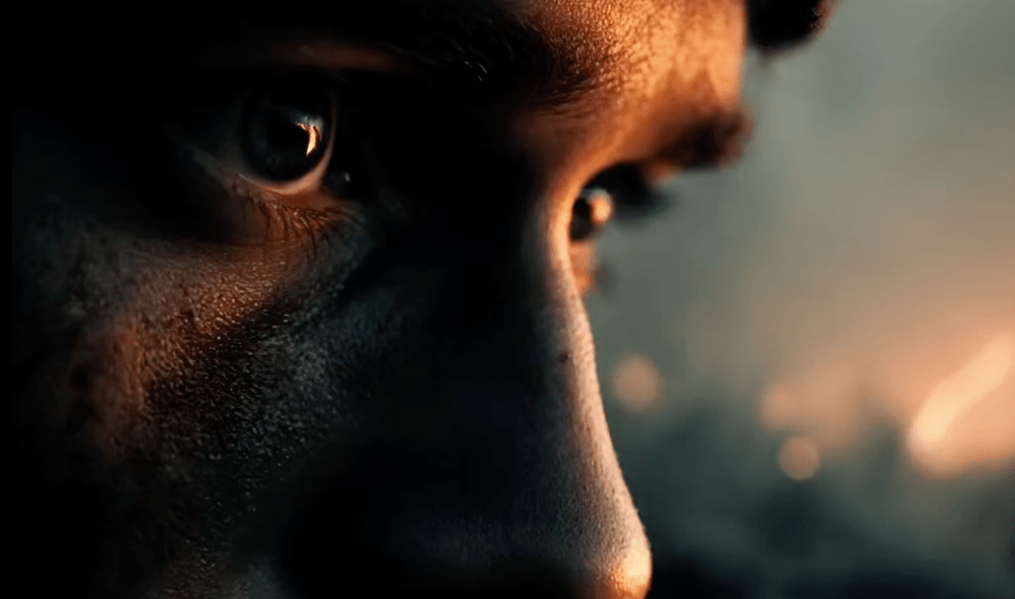
Face drift shows up when motion nudges the bone map off its starting point, cheekbones wander, jawlines soften. Texture melt is when pores, fabric weaves, or brushed metal turn to mush under motion. Neither is fatal: both are fixable with small nudges.
What kept faces steady for me:
- Reaffirm identity in the prompt. “Keep cheekbone line and jaw angle,” “preserve iris pattern,” “no lip reshape.” It’s amazing how often the model listens when you’re specific.
- Reduce motion radius. If the head moves, the face changes. Move the world around the face instead: hair sway, collar shift, light blink.
- Add a reference frame. I fed the original still back as a “key frame” cue where supported: it anchored features.
Texture melt fixes:
- Pre-sharpen gently, not globally. I used a low-radius clarity pass on texture zones only (sweater knit, label edges). Global sharpening made halos that jittered.
- Ask for “retain microtexture” in the motion prompt. Vidu Q3 seemed to keep fine detail when I named it. Hehe, nice when it works.
- Shorter loops, less stretch. 3–4 seconds looked more faithful than 8–10 on small textures.
When things got weird: I had one portrait where the smile crept wider each loop. Slightly spooky. I constrained the mouth (“no additional smile: lips remain closed, relaxed”) and moved motion to the eyelids + shoulder drop. Fixed in one run.
Prompt Templates
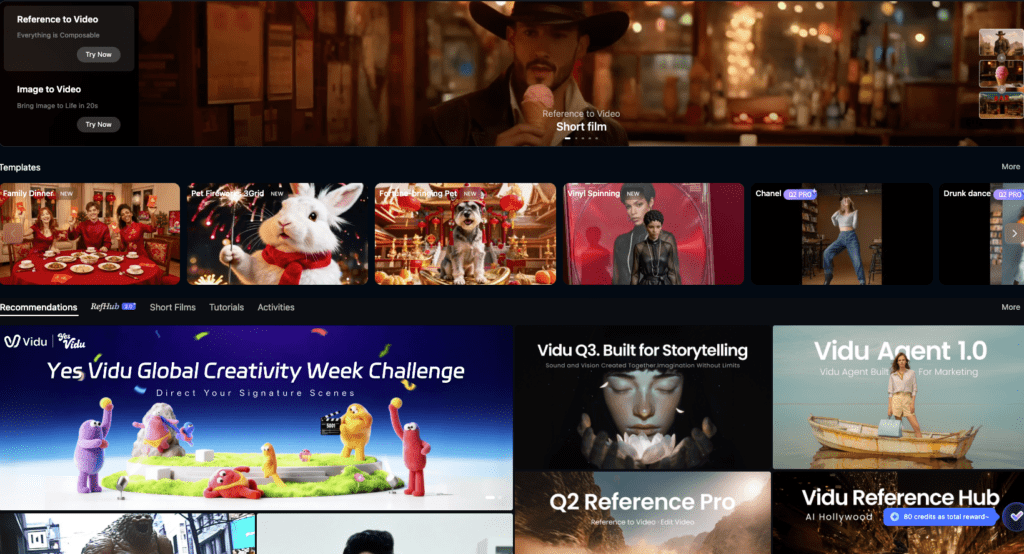
Here are the lines I actually used and saved. They’re written to be adjusted, swap nouns, keep the vibe. I left the friendly words in because, oddly, Vidu Q3 responded better to specific, calm language than to bossy commands. Fast as hell and still rock-solid.
General identity-safe base (paste this first, then add motion):
- “Preserve subject identity and geometry: maintain skin pores/fabric grain: keep lighting direction constant from [LEFT/RIGHT]: no lens distortion change: no logo warp: edges stay crisp.”
Portrait, quiet breath + blink:
- “Subtle inhale-exhale: soft blink once: micro head tilt 1–2° toward key light: keep cheekbone and jaw line: lips relaxed, closed: iris detail preserved: hair shifts minimally: no teeth reveal: maintain shoulder line: motion intensity low.”
Portrait, gentle elegance (beauty/brand):
- “Eyes soften: slow micro-smile without lip parting: slight collar movement: specular highlights remain subtle: skin texture intact: no smoothing: lighting constant: background blur breathes 2%.”
Product, satin lipstick hero:
- “Product silhouette fixed: gentle specular roll across cap (5% travel): label legible: background parallax minimal and slower than product: no geometry warp: retain brushed-metal microtexture: loop 4s with soft ease-in/out.”
Product, ceramic + steam:
- “Mug static: steam rises in delicate curls: no turbulence spikes: light flicker subtle at 3–4% intensity: preserve ceramic matte texture and rim chips: background grain stable.”
Social cover, ambient loop:
- “Slow background gradient shift: foreground logo pinned: tiny dust motes drift: no camera move: maintain color harmony: edges clean: loop seamless.”
Troubleshooting overlays you can append:
- Identity lock: “No facial geometry change across frames: keep inter-ocular distance constant: mouth shape fixed.”
- Texture guard: “Retain microtexture: avoid smearing or denoise: preserve pore-level detail/fabric weave.”
- Motion governor: “Limit movement radius to local regions: avoid global camera move.”
For audio notes (to keep realism):
- “Sound design: room tone light: micro cloth rustle synced to shoulder drop: no dramatic swells: loop-safe tail.”
Time saved, in case you like numbers: across eight clips, these templates cut my iterations from 3–4 takes to mostly 1–2. Average per piece: 6–8 minutes including audio. One and done, no back-and-forth nonsense. And when I did fuss… well, I used to fuss forever… silly.

Before you jump into motion passes, let us handle the tedious prep. At Cutout.Pro, we help you quickly remove backgrounds and prep assets so your Vidu Q3 workflow is smooth and focused.
➡️ Start here!
Beautiful design doesn’t have to feel heavy. Try a small motion pass on your next still, let the blink blink, let the steam drift, let the logo rest proudly. There… feels gentle, doesn’t it.
Previous posts:
Vidu Q3 vs Q2 Pro Reference-to-Video: Which One Should You Use?
How to Write Prompts for Vidu Q3 Native Audio (Dialogue + SFX + BGM)
What Is Vidu Q3? The 16s Native Audio-Video Model Released Jan 30, 2026