
Table of Contents
Hi, I’m Camille. This morning I stared at a blank product mockup. Then I opened Vidu Q3’s multi-shot panel and felt my shoulders drop. There we go. If you’ve ever tried to cram a full story into 16 seconds, covers, product inserts, a quick lifestyle moment, you know how it goes: too many ideas, not enough runway. Q3’s multi-shot gives you tiny pockets of narrative you can actually steer. It’s become my calm little system for turning scattered clips into a cohesive mini-film without wrestling the timeline for hours.
In this guide, I’ll share how I plan 3–5 beats for a 16s spot, the way I hint transitions so cuts feel intentional, a continuity checklist that saves me from “why did the mug teleport,” and a small prompt pack you can paste into your own projects. If it can rescue my sleepy brain at 10 p.m., imagine what it’ll do for you.
What “Multi-Shot” Means in Q3
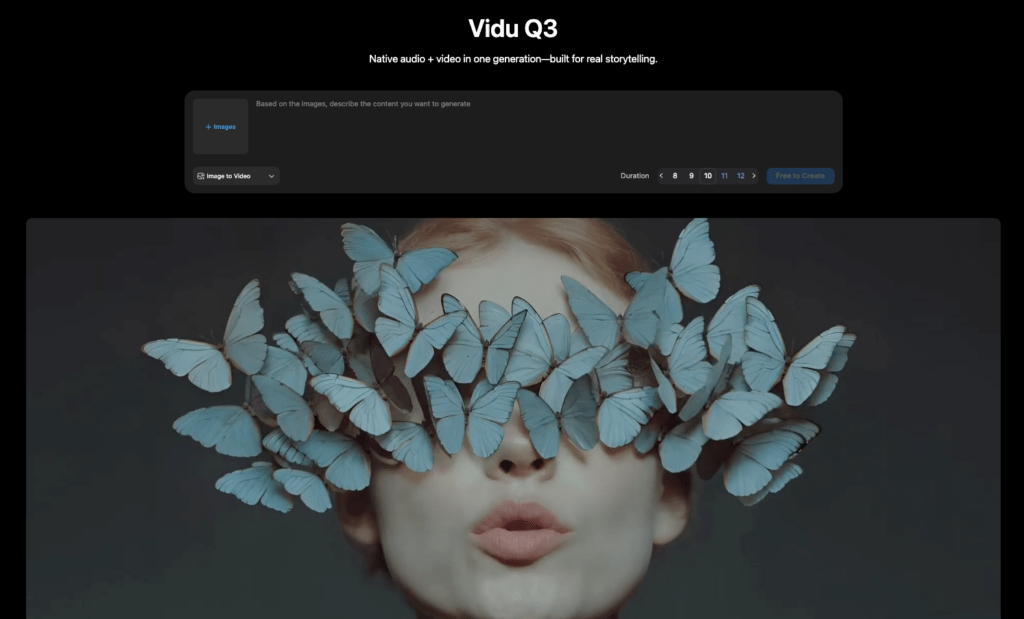
In Vidu Q3, “multi-shot” is exactly what it sounds like: you outline a short sequence, separate beats with their own prompts, durations, and light guidance, and the model stitches them into a single 16-second (or custom-length) output. Think of it as writing a tiny storyboard where each frame gets a nudge instead of micromanagement.
Here’s what it meant in practice for me:
- I set 4 shots at 3–5 seconds each. Q3 respected durations within ~0.3s in my tests, which is close enough for social cuts.
- Visual continuity carried over when I kept character and prop language consistent (“same ceramic mug,” “same warm morning light”). When I didn’t… well, I accidentally invented a teleporting spoon.
- Revisions were painless: re-run a single beat prompt, not the whole thing. On average, I saved about 12–15 minutes per iteration compared to regenerating a long single-prompt clip.
Why it matters: single-prompt videos often look pretty but vague. Vidu Q3 multi shot lets you point the model toward story clarity, opening, reveal, close, without building a complex offline edit. It won’t replace a human editor for fine timing, but for ad teasers, product loops, quick explainers, and social covers? Mmm, that feels good.
Planning Beats (3–5 Beats for 16s)
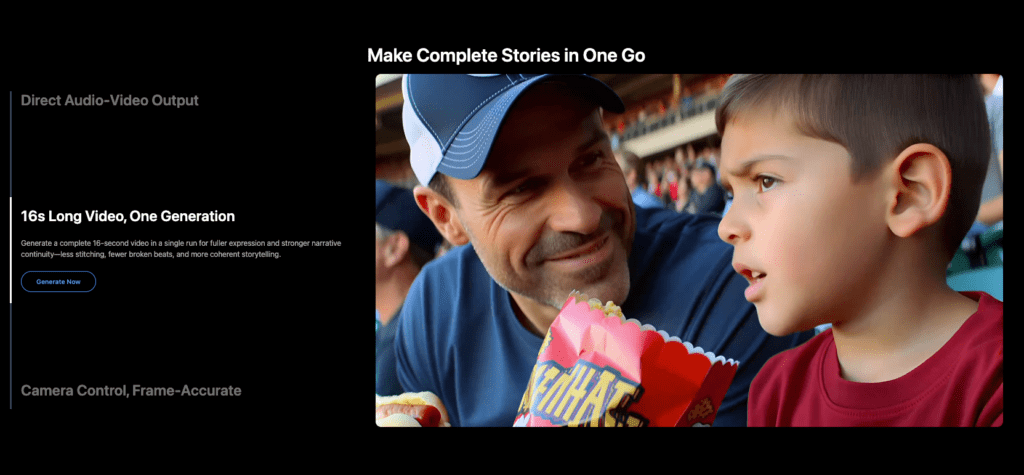
I’ve had the best luck treating 16 seconds like a tiny three-act: a hello, a something-happened, and a satisfying close. Four beats is my sweet spot, enough room to breathe, not enough to wander. Past me was so serious: I used to cram seven ideas in and then chase continuity like a cat after a laser.
My current rhythm (Q3 multi-shot):
- Beat 1: Establish vibe and silhouette (2–4s)
- Beat 2: Closer detail or micro-action (3–5s)
- Beat 3: Payoff or transformation (4–5s)
- Beat 4: Brand lockup or soft landing (2–3s)
Notes from field tests:
- Keep one visual anchor steady across beats: a color story, a prop, or a motif. Q3 tracks this better than perfect geometry.
- Name the recurring element the same way in each prompt. “Matte black bottle” should not become “onyx flask” later (unless you want the vibe to morph, sometimes nice, often chaotic).
- If the story hinges on timing (e.g., lid click on beat 3), mention it. Q3 is receptive to verbs and moments.
Micro-Script Template (Beat-by-Beat)
Here’s the lightweight template I paste into Q3’s multi-shot editor. It’s not precious, tweak freely.
Beat 1 (2–4s):
- Purpose: Establish scene + mood.
Prompt: “Wide shot, [setting], [time of day], [overall mood], [consistent palette]. Show [hero item/character] entering frame. Gentle camera drift.”
- Continuity anchors: “[same hero item], [same lighting], [same surface/background].”
Beat 2 (3–5s):
- Purpose: Introduce texture or feature.
Prompt: “Tighter framing on [feature]. Soft rack focus from [context] to [detail]. Hands interact [specific verb]. Keep [palette] and [prop] consistent.”
- Transition hint: “Cut on hand movement.”
Beat 3 (4–5s):
- Purpose: Transformation/payoff.
Prompt: “Reveal [result] with a small motion cue: [steam/lid click/glow]. Match lighting from prior beats. Subtle parallax.”
- Transition hint: “Match action into reveal.”
Beat 4 (2–3s):
- Purpose: Brand seal/CTA or a quiet close.
Prompt: “Clean lockup: [logo or tagline] beside [hero item], negative space, hold for readability. Same background tone. Micro-glint, then stillness.”
Little human aside: I once spent 20 minutes nudging a shadow by hand… never again. With Q3, asking for “soft afternoon shadow angled 30° left, stays consistent across beats” got me 90% there. A quick grade at the end and, there… just right.
Smart Cuts: How to Hint Transitions
Vidu Q3 multi shot doesn’t need film-school jargon, but it does respond beautifully to simple transition cues. Think verbs, matches, and sensory anchors.
What’s worked for me:
- Match action: “Cut as the hand sets the cup down: next shot continues with the cup already steady.” The brain stitches it.
- Focus handoff: “Rack from background neon to product label, cut on the moment label is sharp: next beat opens already sharp.”
- Shape-to-shape: “Circle motif leads the eye (top-down bowl), next beat opens with round lid close-up.”
- Light cue: “Flicker resolves to warm steady light: cut on resolve.”
- Motion echo: “Pan left 10% in beat 1: beat 2 begins with a tiny leftward drift too.”
Phrases Q3 reads nicely:
- “Cut on movement.”
- “Match into [object] already placed.”
- “Hold 6–8 frames before cut for readability.”
- “Start mid-action to feel continuous.”
And the guardrails:
- Avoid stacking too many asks per cut. One transition idea per beat is plenty.
- If you need a hard reset (e.g., switch from kitchen to on-white), say it: “Hard cut to seamless white. All else constant.”
Ooh, look at that, when transitions click, viewers stop noticing the edits and start feeling the flow. That’s the quiet magic.
Continuity Checklist (Characters, Props, Lighting)
I treat continuity like laying out clothes the night before: small effort, big calm. Here’s my quick list taped above the monitor, updated after a few late-night oops moments.
Characters
- Names: Use the same descriptor each time: “same woman in soft denim jacket, short curly hair.”
- Actions: Keep hand dominance, pace, and micro-expressions consistent. If you like a smile, ask for “soft, small smile (consistent).”
- Wardrobe: Lock colors and fabrics with simple language: “matte black, cotton, no logos.”
Props
- Hero item: Name it the same way every beat. If finishes matter: “matte,” “gloss,” “satin,” choose one.
- Side props: “Same ceramic mug,” “same eucalyptus sprig.” Reduces surprise swaps.
- Scale: Mention “same scale relative to frame” when you cut from wide to close.
Lighting & Color
- Direction: “Light from left at 30°, warm 4000K feel.” Q3 doesn’t know Kelvin like a gaffer, but warm/cool + direction lands.
- Intensity: “Soft, low contrast” vs “punchy, high contrast.” Keep it repeating.
- Palette: Define 2–3 anchor colors. I note them early: “warm beige, muted olive, matte black.”
Framing
- Lenses feel: “soft wide,” “gentle tele,” “macro.” Keep one style per sequence.
- Movement: “micro-drift,” “steady lockoff,” not both in one beat unless it’s a choice.
Sanity checks before render
- Read beats aloud in 30 seconds. If I trip, the model will too.
- Confirm that any time jump is labeled (“time skip to evening, same setup”).
Well, that settled nicely. Continuity’s not glamorous, but it’s where polish lives.
Examples + Prompt Pack
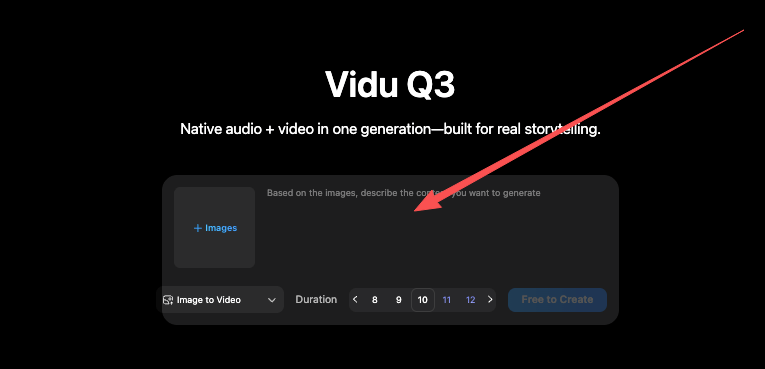
Test context: Vidu Q3 multi shot, 1080×1920 vertical, 16s total. Average render: ~2.5 minutes on my setup. I re-ran beats 2 or 3 when they drifted, one-and-done about 70% of the time. Camille’s take: Looks good? Ship it.
Example 1: Cozy Coffee Product Tease (4 beats)
- Beat 1 (3s): “Wide, morning kitchen, warm beige light. Same matte black mug on oak table. Gentle steam. Micro-drift right. Cut on steam swell.”
- Beat 2 (4s): “Close on mug rim. Soft rack focus to embossed logo. Keep same light and oak texture. Cut on focus lock.”
- Beat 3 (5s): “Hand pours oat milk: satisfying swirl forms a circle. Match action into the swirl resolving.”
- Beat 4 (4s): “Clean brand lockup: logo left, mug right on seamless warm background, subtle glow, hold for readability.”
Example 2: Skincare Before/After (3 beats)
- Beat 1 (4s): “Soft bathroom counter, cool morning light. Same frosted serum bottle, silver cap. Hand picks it up. Cut on lift.”
- Beat 2 (6s): “Macro dropper: one glossy drop lands on skin: luminous highlight. Keep palette cool, background blurry.”
- Beat 3 (6s): “After glow, same face angle, soft smile. Hard cut to on-white with logo + claims (gentle).”
Example 3: App Feature Reel (5 beats, quick cuts)
- Beat 1 (3s): “Laptop on walnut desk, moody dusk light, app dashboard visible. Micro-pan left.”
- Beat 2 (3s): “Tight on chart animating upward. Match action from prior pan.”
- Beat 3 (3s): “Cursor clicks ‘Export’: tiny UI glow. Cut on click.”
- Beat 4 (3s): “Phone display shows exported asset, same color story.”
- Beat 5 (4s): “Logo on gradient, tagline lands, subtle particle drift, hold.”
Copy-Paste Prompt Pack (edit to taste)
- Continuity boilerplate: “Keep same [hero item], [lighting direction], [palette], and [surface] across all beats.”
- Transition hints: “Cut on movement,” “Match action into next beat,” “Hold 6–8 frames before cut.”
- Lighting: “Warm afternoon, soft shadows,” or “Cool studio, high key, minimal contrast.”
- Camera moves: “Micro-drift 5–10%,” “Lockoff, no shake,” “Subtle parallax on reveal.”
- Brand close: “Clean lockup, negative space, safe margins, 2–3s readable hold.”
Multi-shot gives you just enough steering to feel intentional, not fussy. Try it on your next product loop or mini-reel, you might surprise yourself.
Until next time.
Previous posts:
Vidu Q3 Pricing: Plans vs API Cost, and How to Estimate Your Budget
Vidu Q3 vs Q2 Pro Reference-to-Video: Which One Should You Use?
How to Write Prompts for Vidu Q3 Native Audio (Dialogue + SFX + BGM)