AI Photo Enhancer: Online Generative Image Enhancement and Upscaling Tool
Cutout.pro's new AI photo enhancement tool integrates cutting-edge generative artificial intelligence technology. Unlike traditional image upscaling tools that mechanically supplement pixels, this is not just repair, but redrawing and rebirth.
Click or drag to upload image
Supports JPG, PNG, WEBP formats
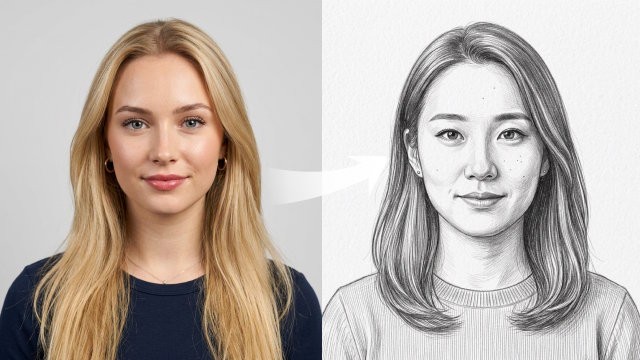
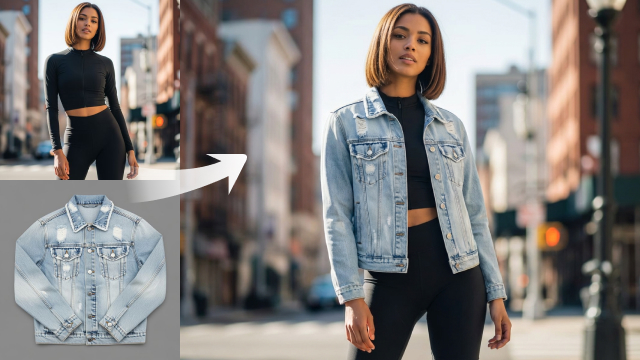
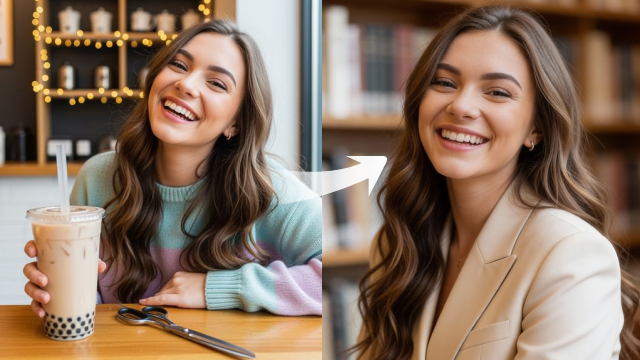
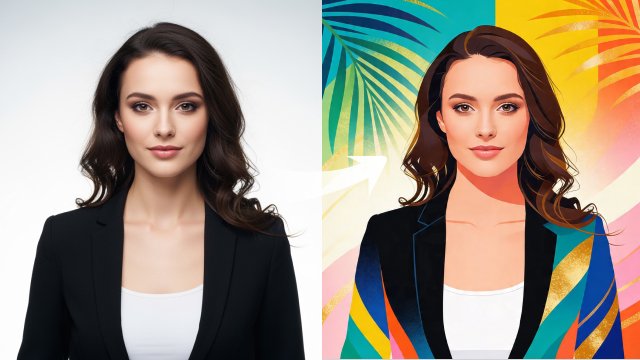
Loading history...
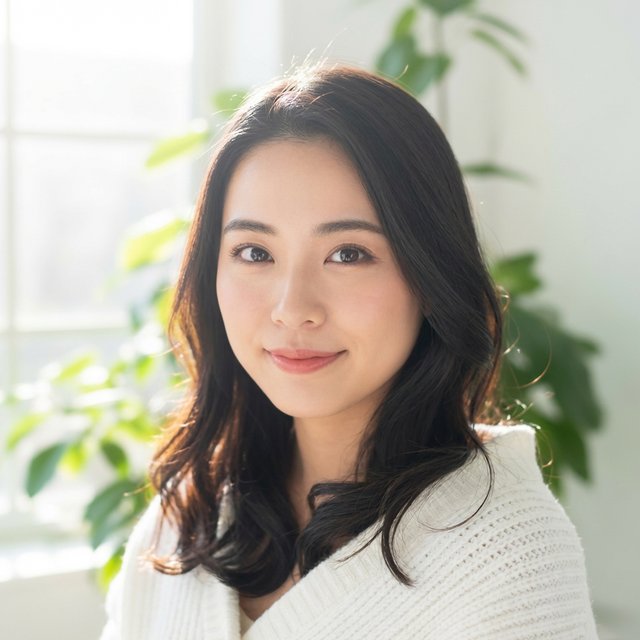
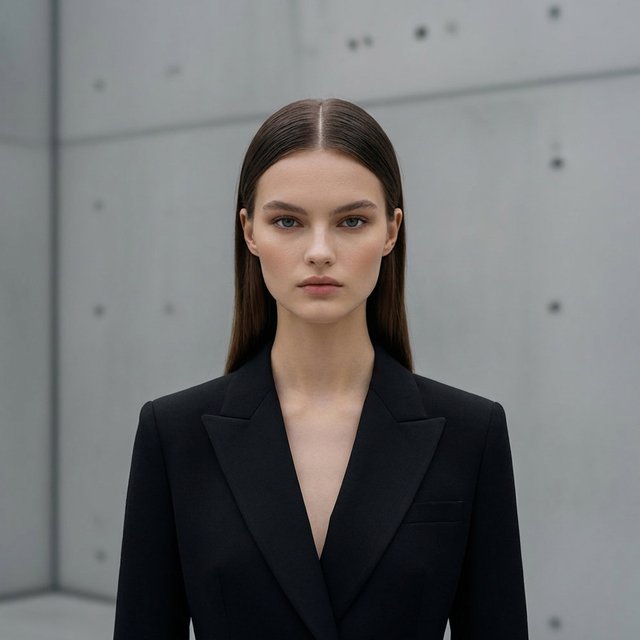
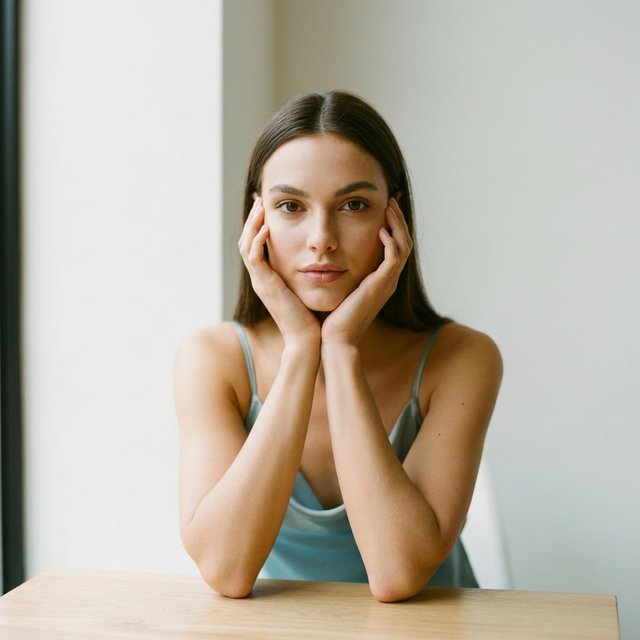
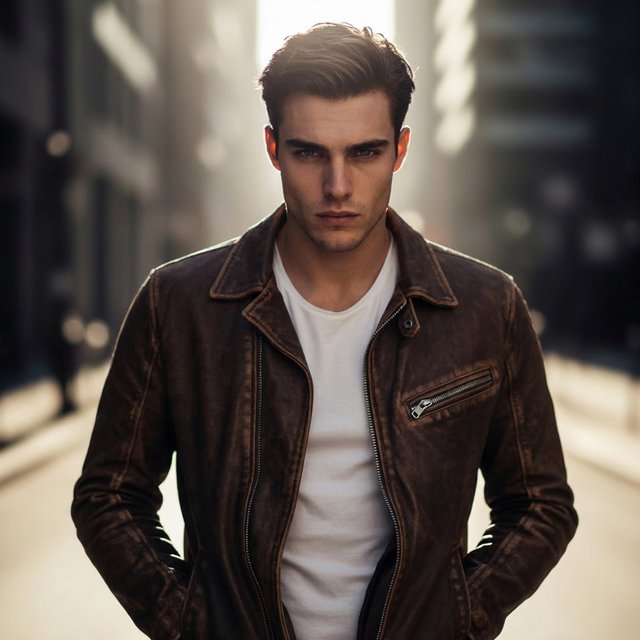
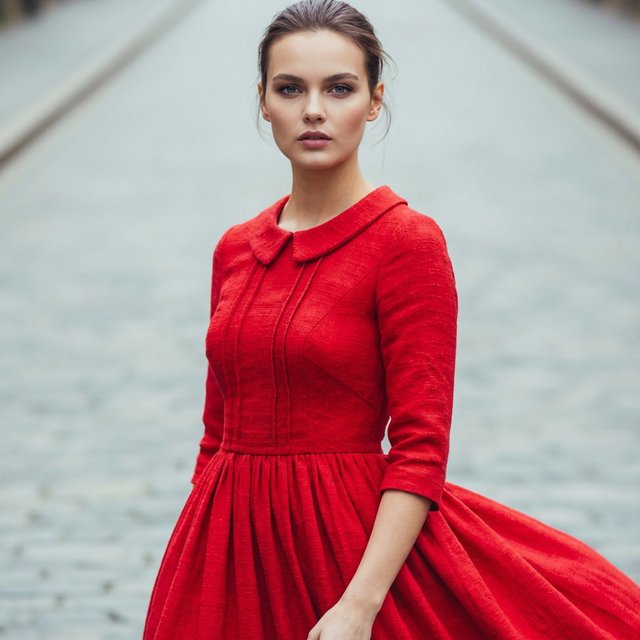
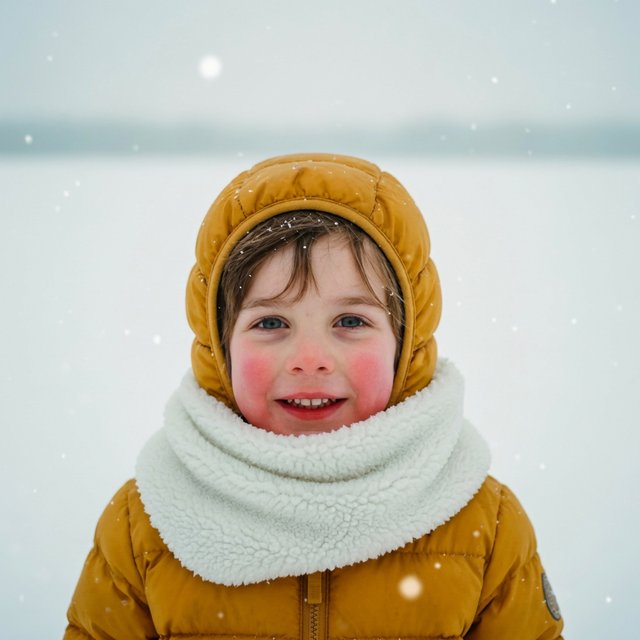
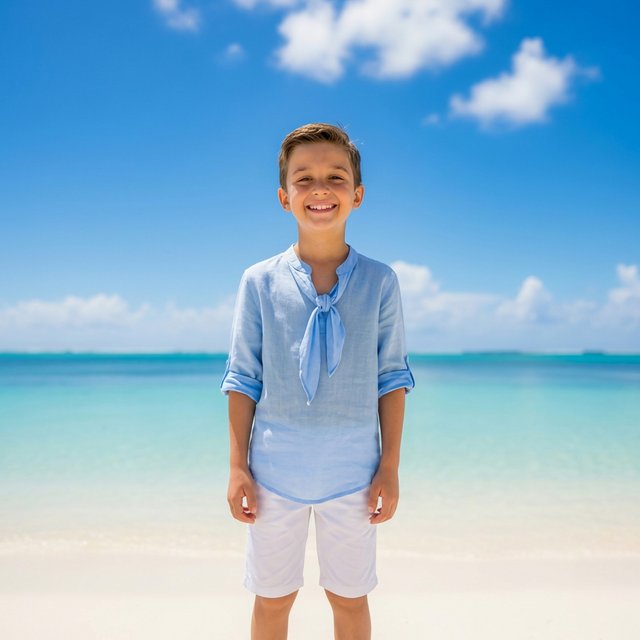
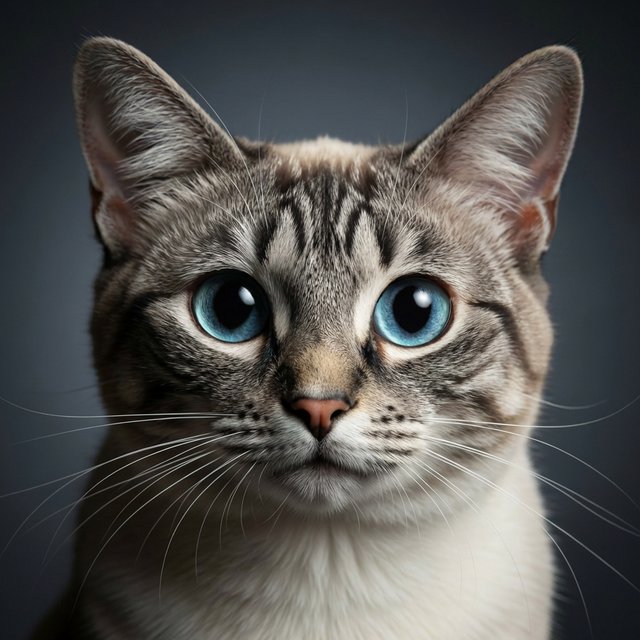
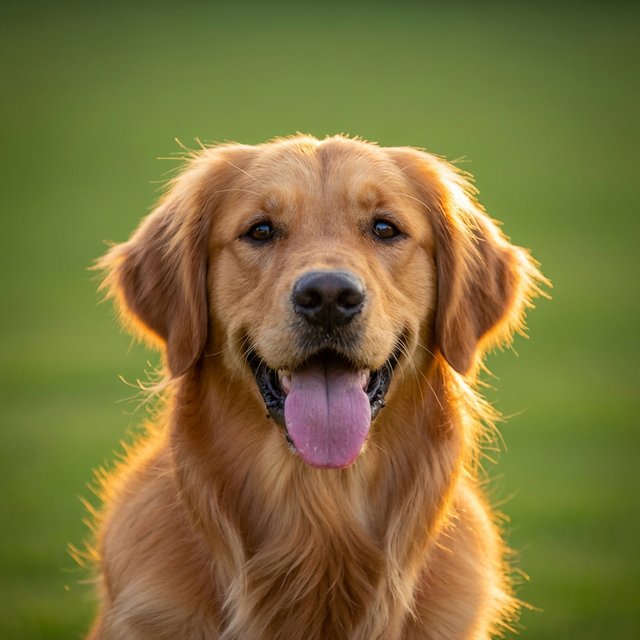
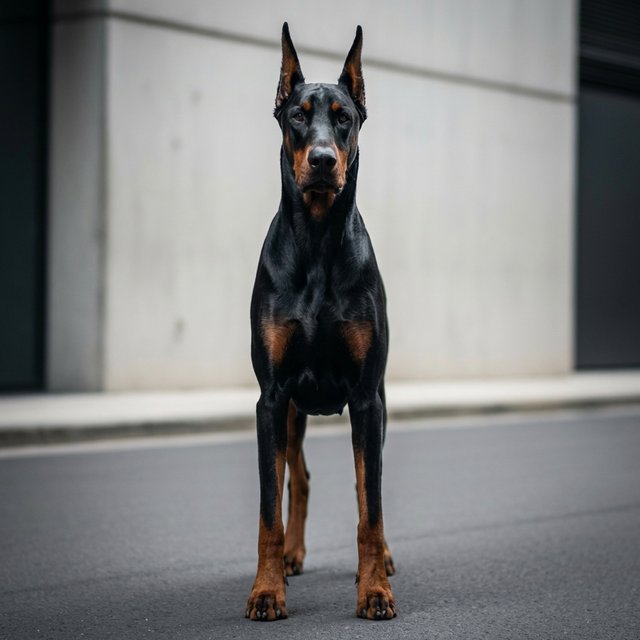
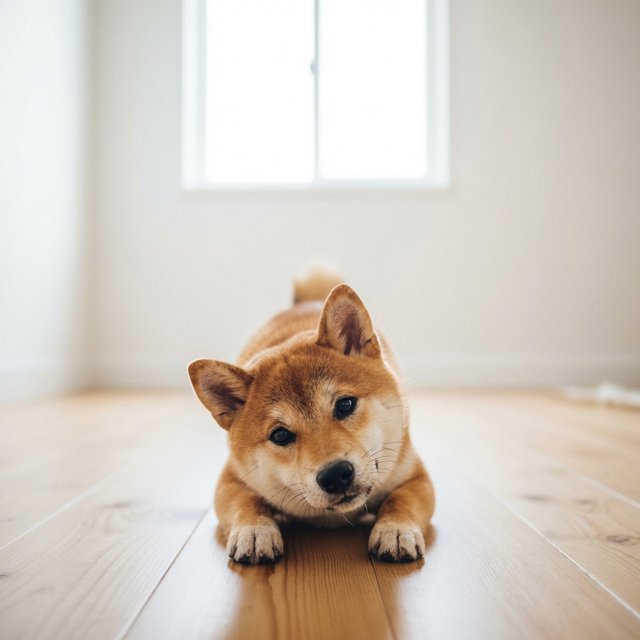
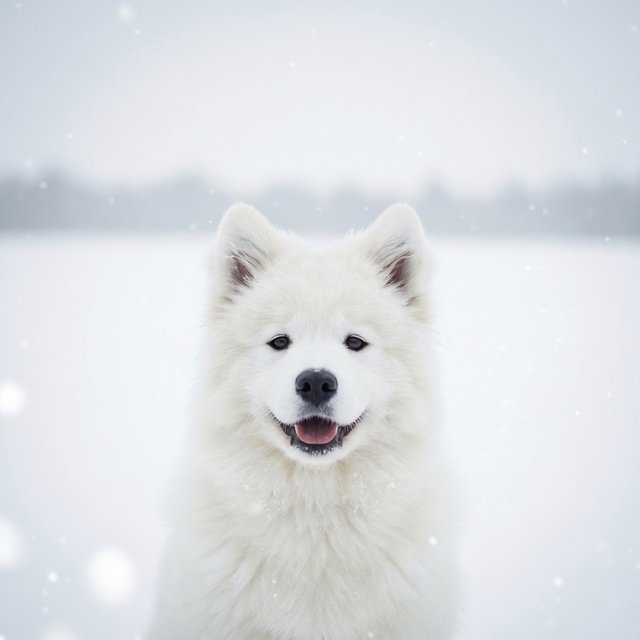
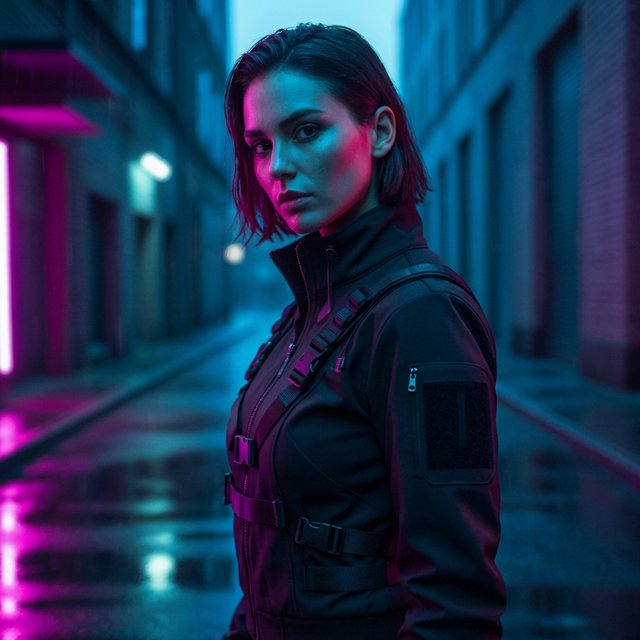
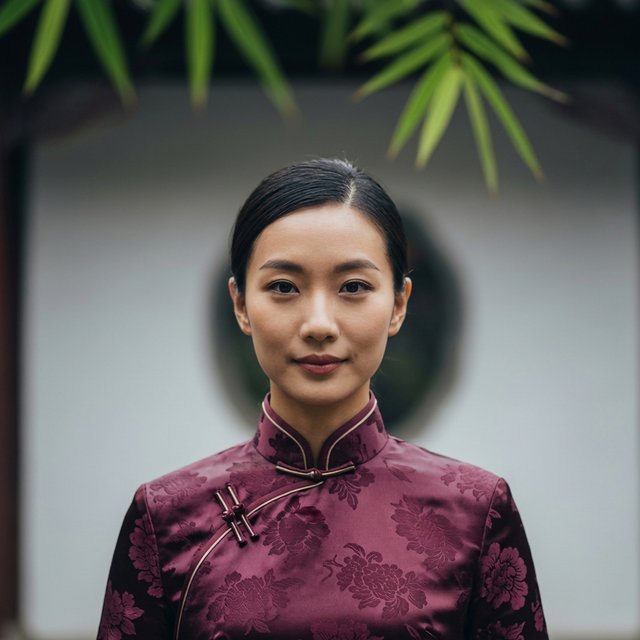
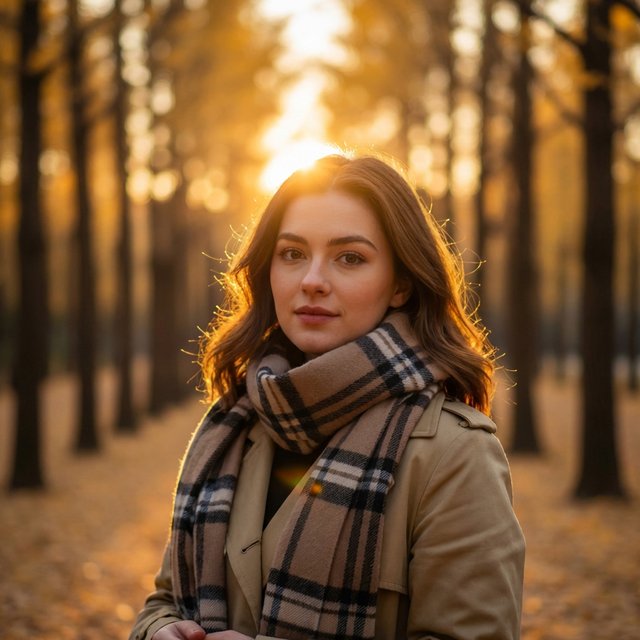
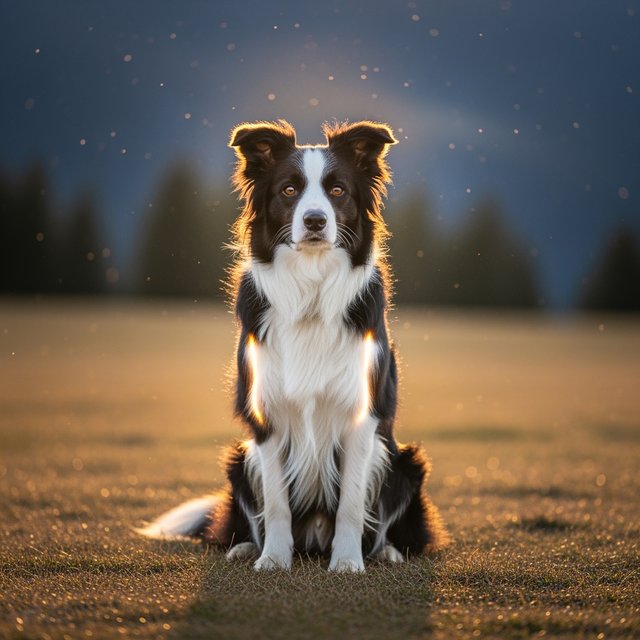
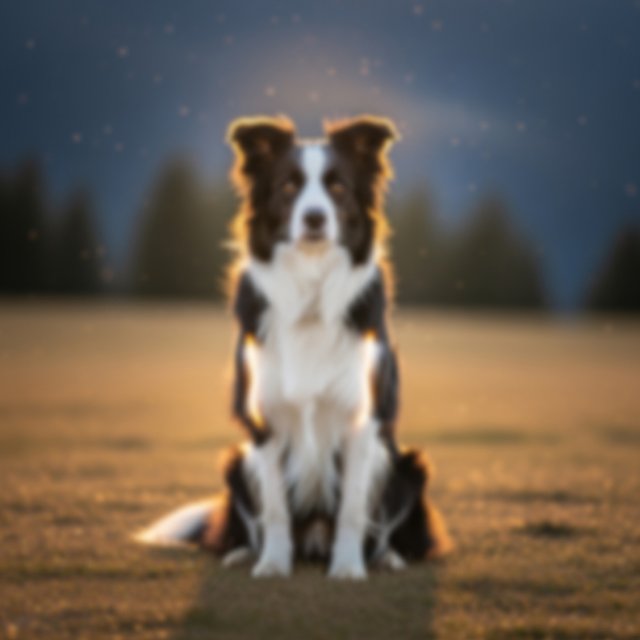
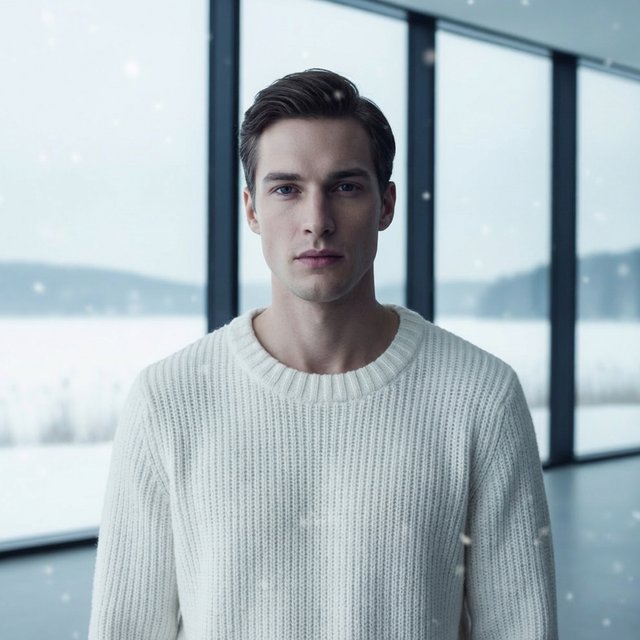
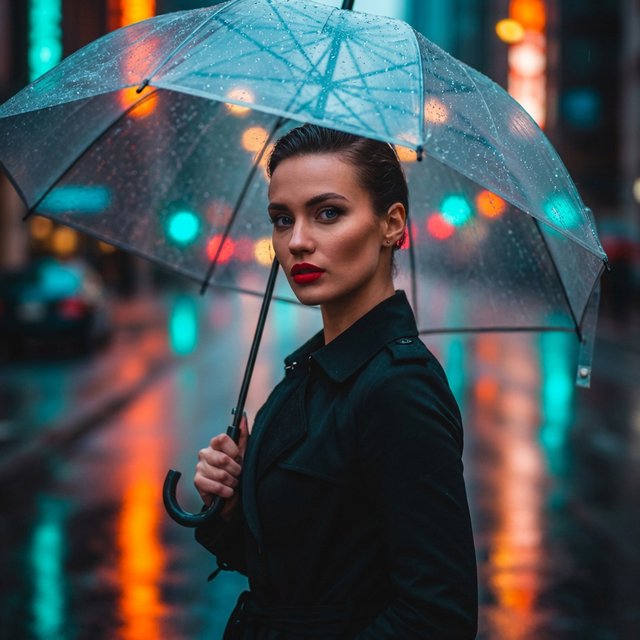
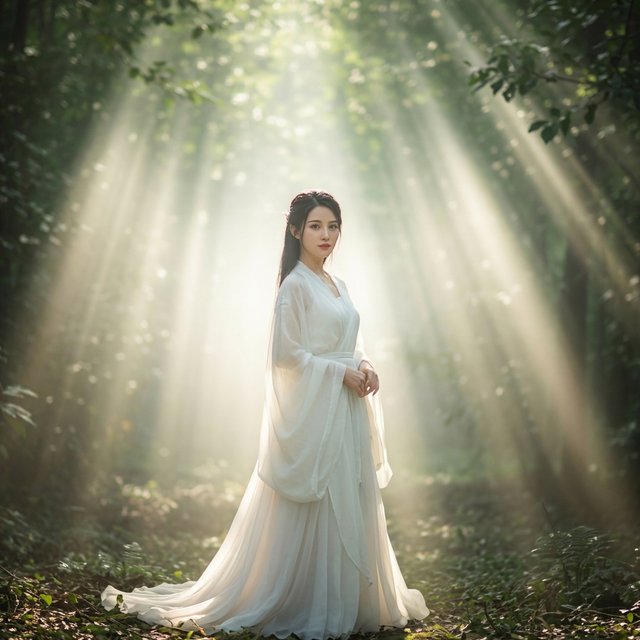
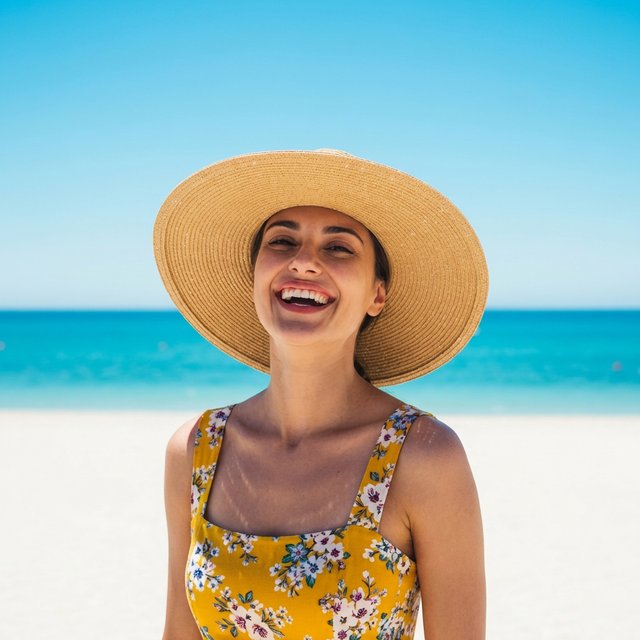
AI Photo Enhancement Showcase
Witness the transformation from blur to high definition








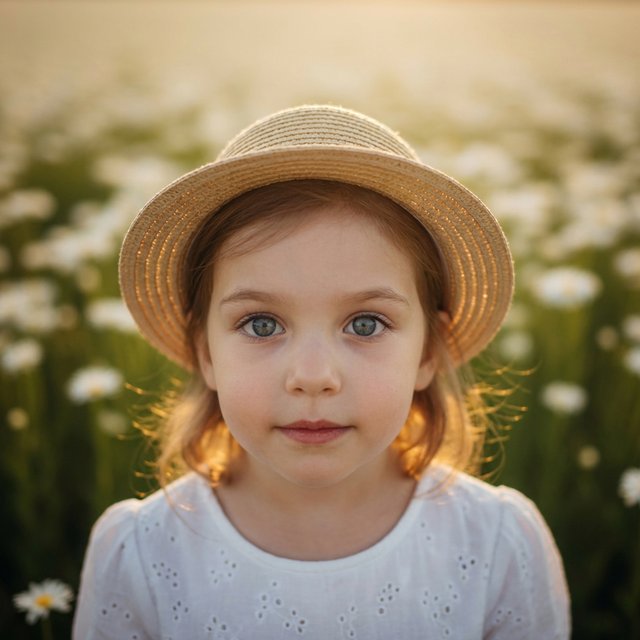
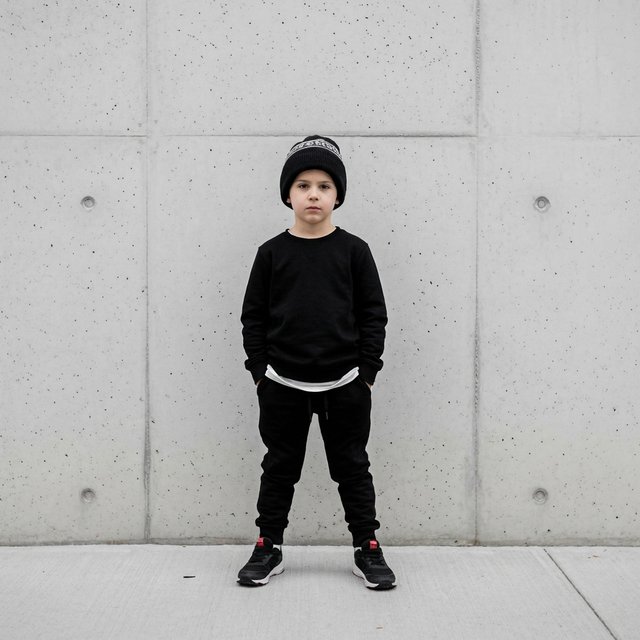








Why Choose Cutout.pro AI Photo Enhancer?
From Guessing to Understanding
Traditional tools mechanically copy surrounding pixels, leading to smudging. Cutout.pro's generative model understands image content, imagining and redrawing realistic, reasonable details based on massive data, even restoring textures that don't exist in the original image.
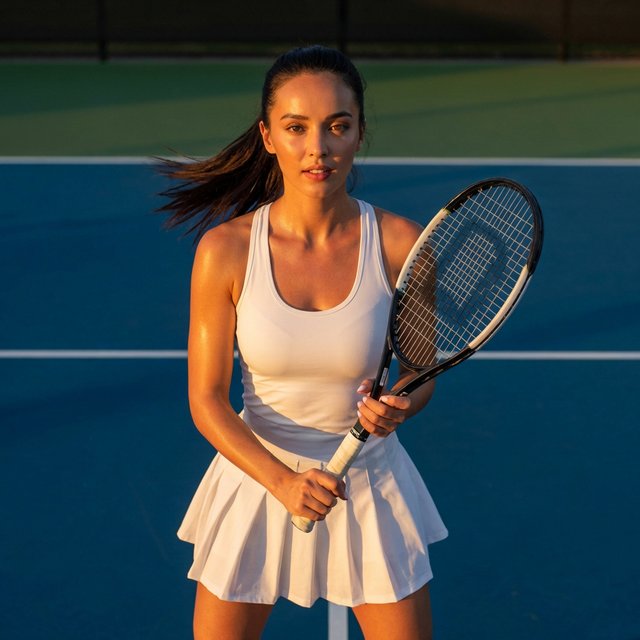
Prompt-Driven Precision Control
This is our greatest innovation. You can input prompts (like realistic skin texture or cinematic lighting) to guide AI to enhance image quality according to your desired style. You're no longer a passive recipient, but the commander of quality optimization.
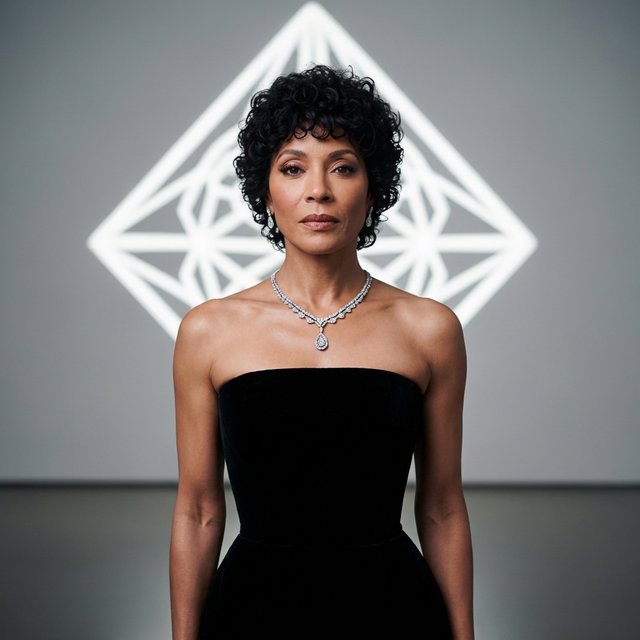
Portrait Face Specialization
For portrait photography, we've trained specialized facial enhancement models. It not only fixes blurry features but also intelligently beautifies skin texture while preserving personal characteristics, avoiding fake or wax-like appearance.
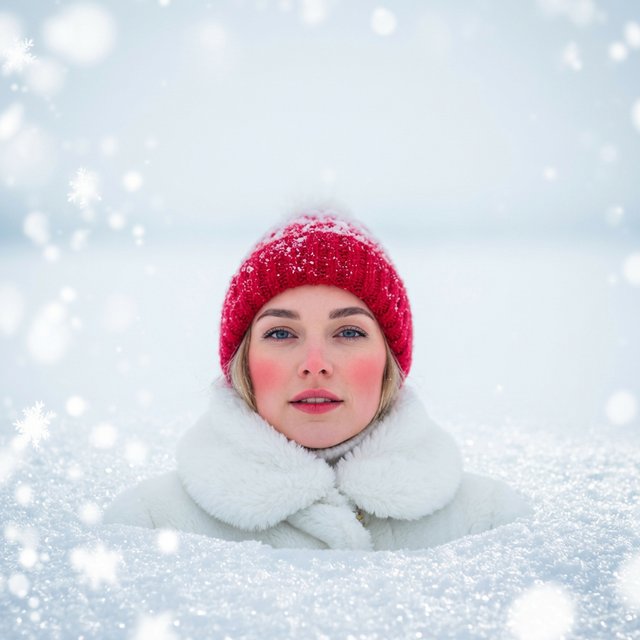
All-in-One Model Experience
No need to switch between multiple tools. Our platform integrates denoising, deblurring, color correction, and lossless upscaling. One workflow solves all image quality issues.
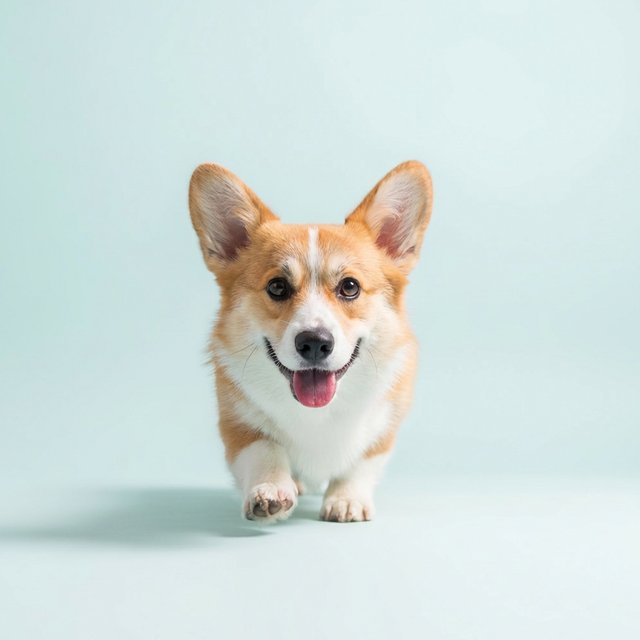
AI Photo Enhancer Pro: From Pixel Guessing to Intelligent Creation
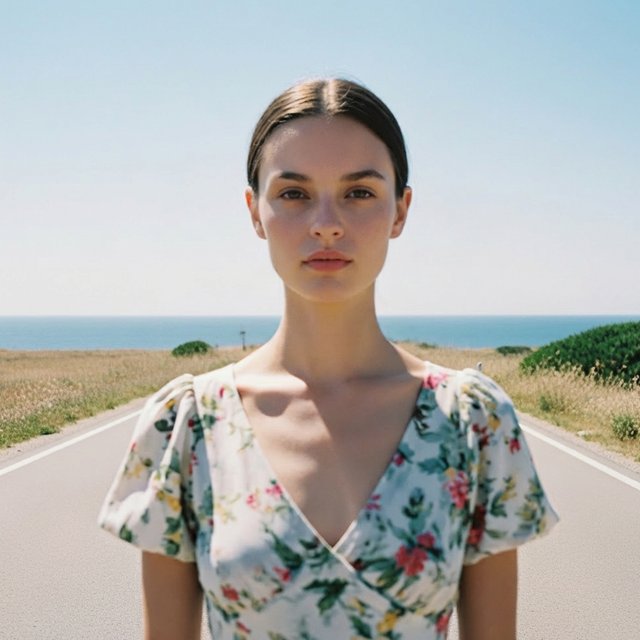
At Cutout.pro's new AI Photo Enhancer, we've redefined HD. No longer relying on outdated interpolation algorithms, but using visual foundation models to imagine details lost in the original image, instantly giving low-quality images DSLR-level clarity.
Pro Version HD
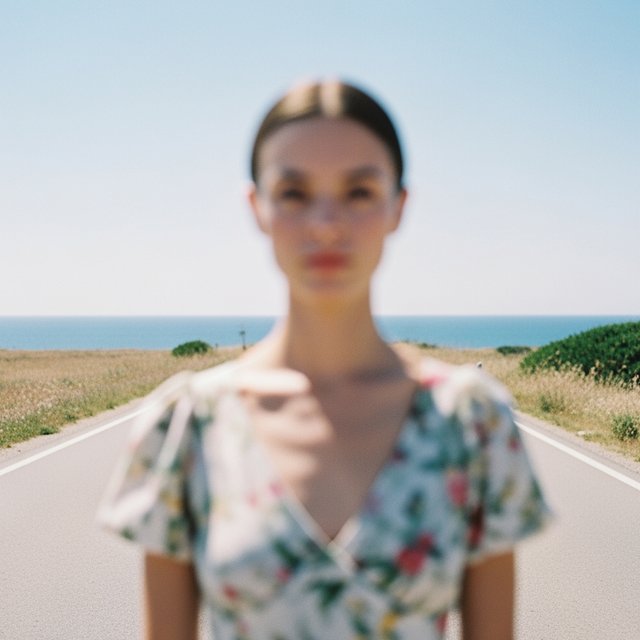
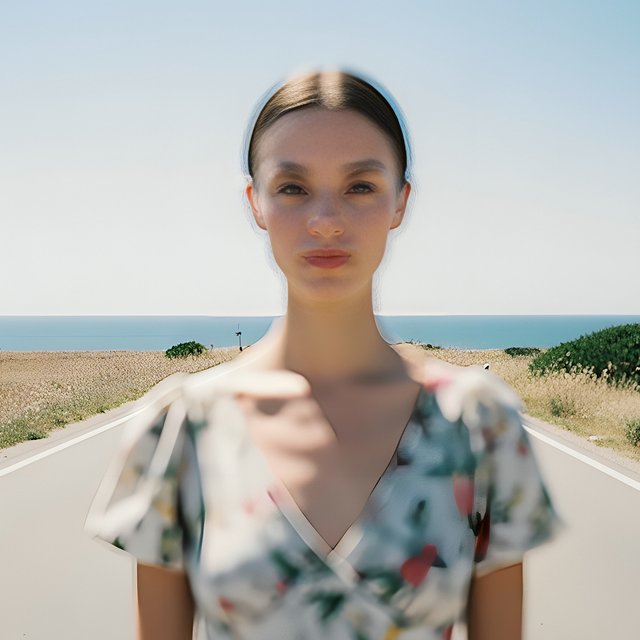
Traditional HD
How to Use AI Photo Enhancer?
Upload Image
Drag and drop your image to the upload area, or click the button to select a file. Supports mainstream formats like JPG, PNG, WEBP.
Describe & Generate
Enter simple prompts in the input box (e.g., restore skin texture with rich details, sharp focus), click the generate button, and AI will start redrawing and upscaling your image.
Preview & Download
Preview the before and after comparison in real-time. When satisfied, select your desired resolution format and download to save locally with one click.
FAQ (Frequently Asked Questions)
What's the difference between Cutout.pro's AI Photo Enhancer and traditional HD upscaling?
Traditional HD upscaling mainly relies on pixel interpolation, which can lead to blurry edges. Cutout.pro uses generative AI photo enhancement that recognizes image content and intelligently fills in missing details and textures for clearer, more natural results.
Can I control enhancement effects through prompts?
Yes! This is our platform's core advantage. You can describe your desired clarity, style, or focus areas through text, and the AI will perform targeted quality enhancement based on your instructions.
Is it free to use?
We provide free trial credits to experience AI's powerful capabilities. For high-frequency users or those needing batch processing and ultra-HD watermark-free downloads, we offer flexible subscription plans.
Will processed images retain the original colors?
Yes, the AI performs intelligent color correction while enhancing resolution, but will do its best to preserve and optimize the original image's color tone and atmosphere, unless you request style changes through prompts.
What types of images are suitable for processing?
Suitable for all types, including portrait selfies, e-commerce product images, anime illustrations, old photo restoration, blurry landscapes, and AI-generated low-resolution artwork (such as secondary upscaling of Midjourney-generated images).
Is my uploaded image privacy safe?
Very safe. We strictly adhere to privacy protection policies. Uploaded images are only used for processing and will be automatically deleted from the server periodically after processing, and will not be used for other commercial purposes.
Is there an API for developers to use?
Yes. As an all-in-one model experience platform, we provide powerful APIs that allow developers to integrate AI HD enhancement features into their own applications or websites.
What size images can be processed?
We support processing images of various sizes, from small icons to large posters. We recommend uploading images no larger than 20MB for optimal processing speed.
How long does it take to process one image?
Usually only a dozen seconds, depending on the image resolution and current server load.
No More Blurry Images, Experience the Magic of Generative AI Now!
Don't let low resolution limit your visual expression. Join Cutout.pro's generative AI photo enhancement, upload your images now, enter your creative prompts, and witness the miraculous transformation from blurry to ultra-HD.