
MiniMax H3 AI Video Generator on cutout.pro
Use MiniMax H3 in the cutout.pro image-to-video workspace to bring a still image to life. Describe the action, camera movement and atmosphere you want, then turn your creative direction into a polished video with coherent motion and native sound.
2K
Max resolution
15s
Max duration
2-channel
Native audio
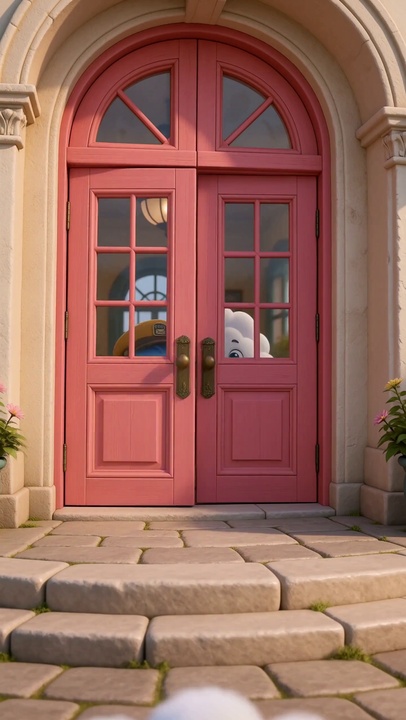
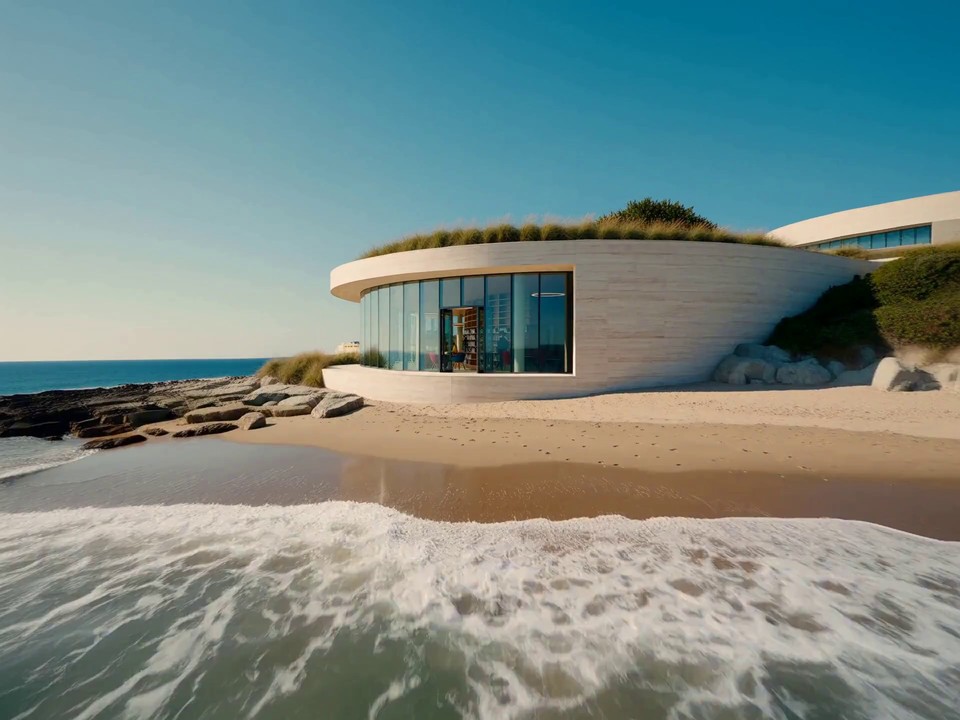
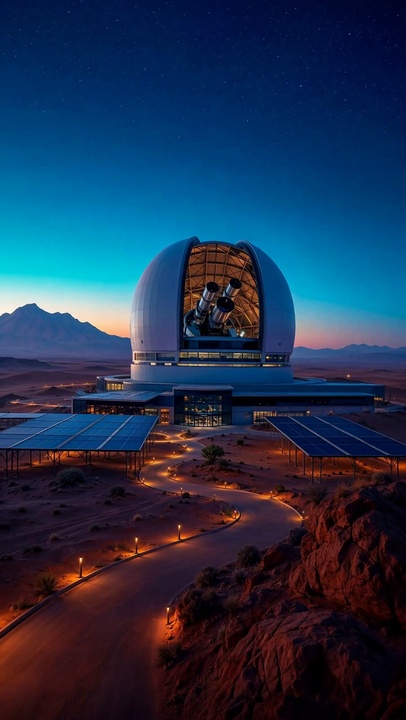
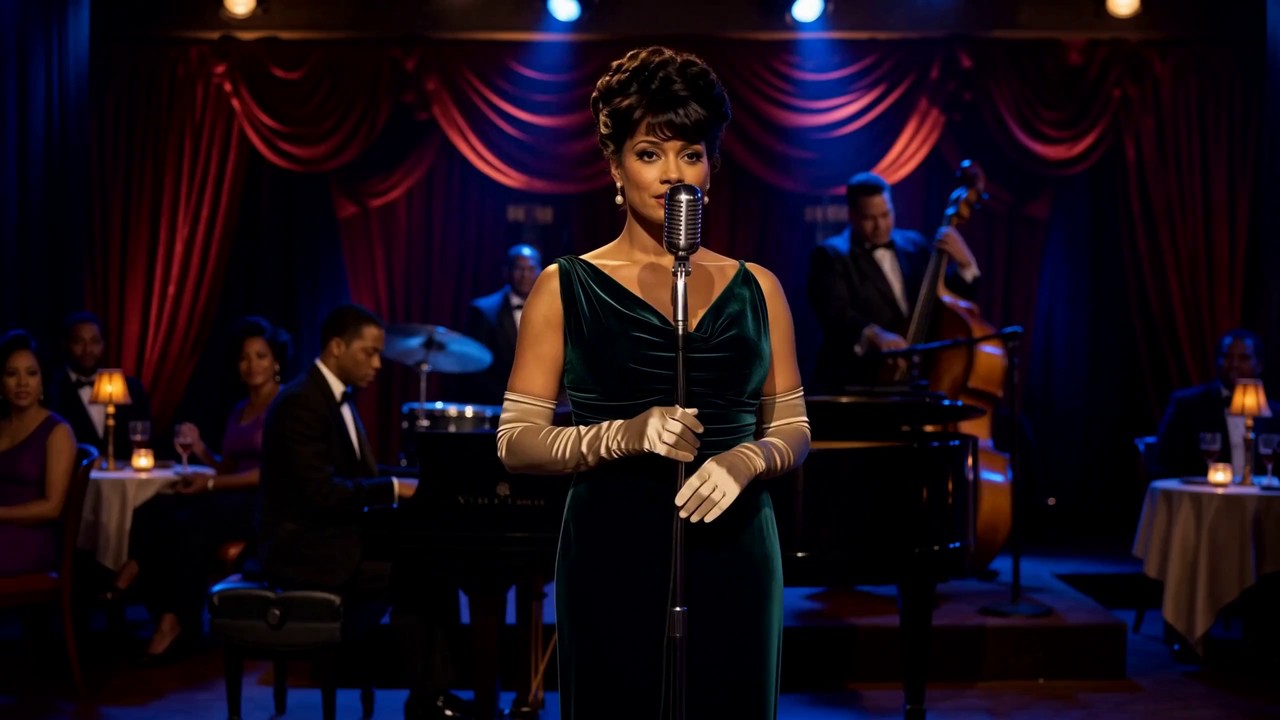
Cutout.Pro MiniMax H3 AI Video Templates for Image-to-Video Creation

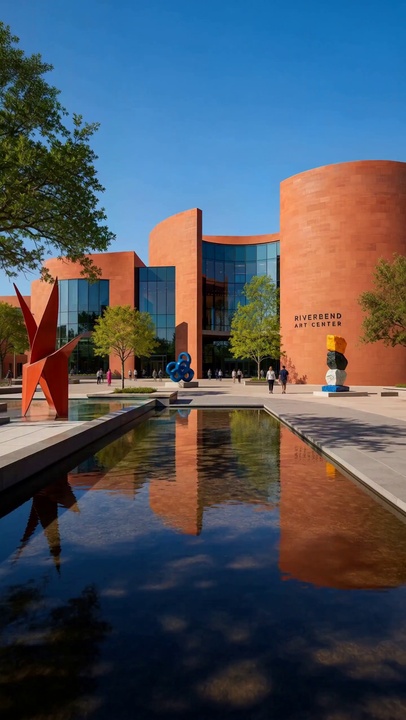
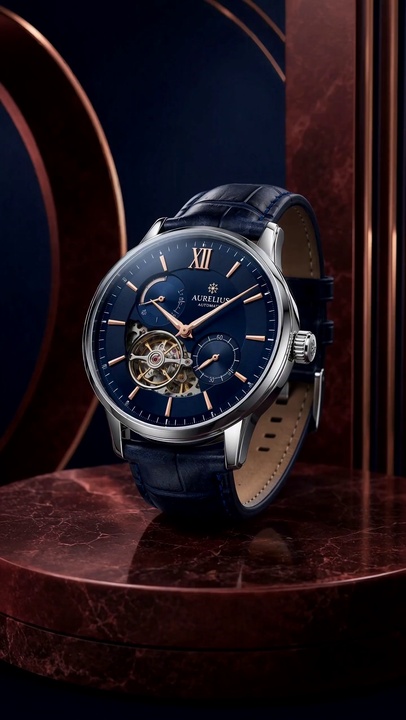
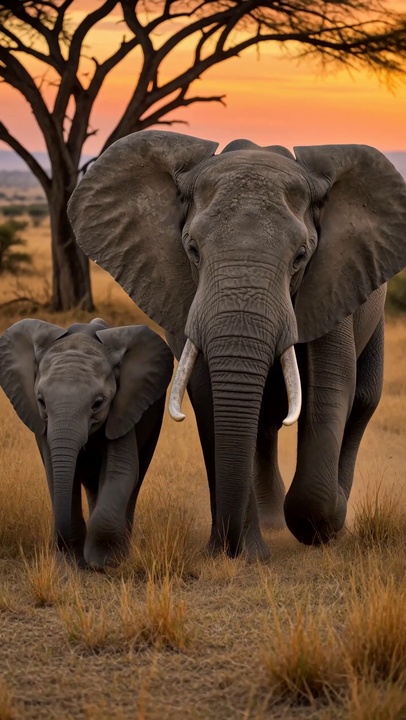
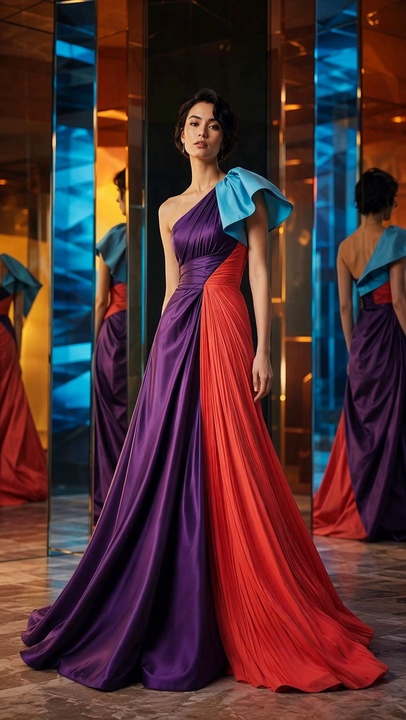
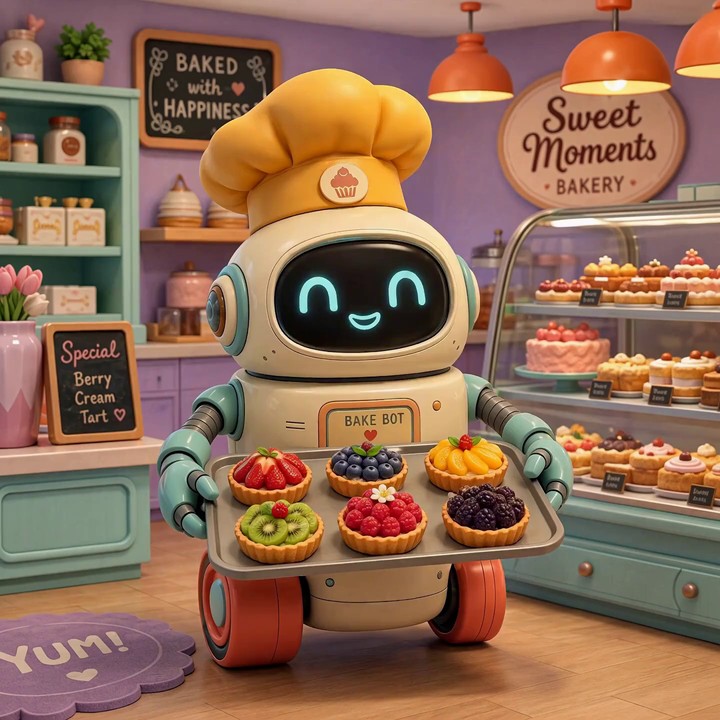
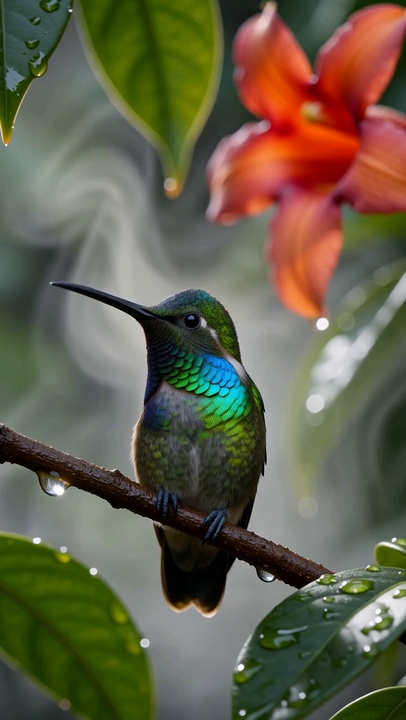
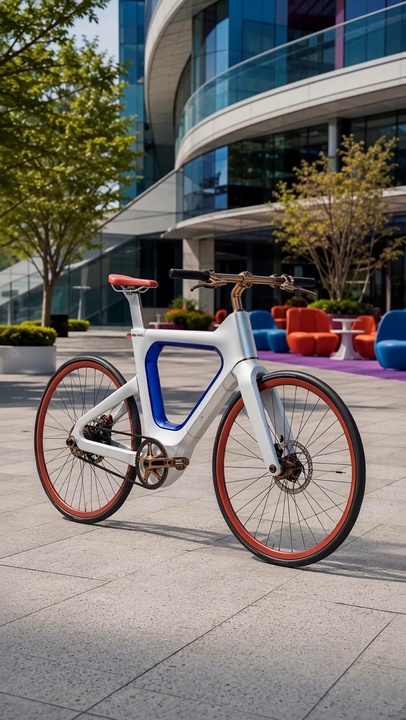




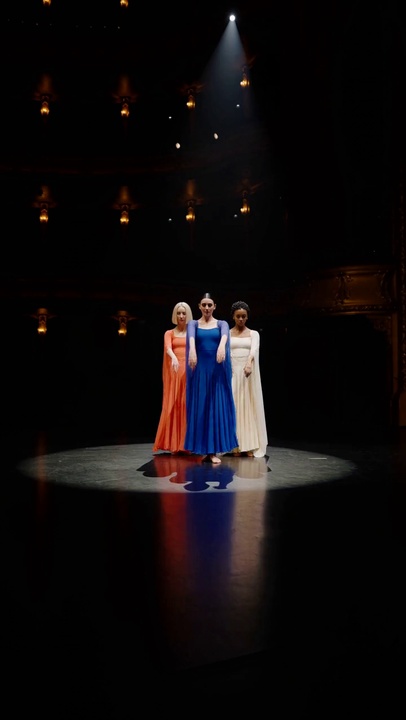

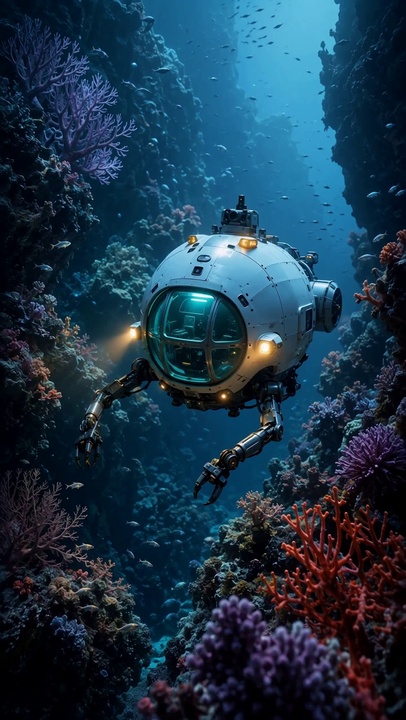
What Can You Create with MiniMax H3 on cutout.pro?
From social content to product storytelling, cutout.pro makes MiniMax H3 easier to use in practical image-to-video workflows—so one approved still can become multiple creative video directions.
Scroll-Stopping Social Media Videos
Turn campaign stills, portraits and everyday photos into short-form videos with purposeful motion. Describe the camera move, pacing and mood to create content shaped for Reels, TikTok, Shorts and social ads.
- Animate product shots, portraits and lifestyle photography
- Adapt one creative direction to horizontal, square or vertical content

Product and Ecommerce Storytelling
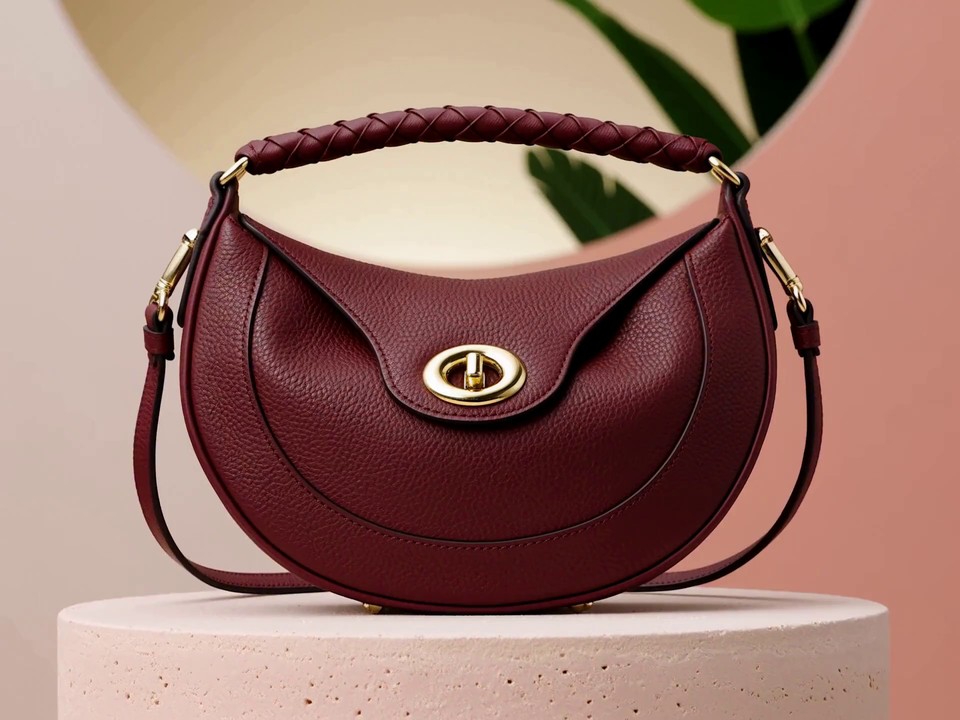
Move beyond a static product page. Use MiniMax H3 image-to-video to add camera movement, material detail and scene atmosphere while keeping the product at the center of the story.
- Create product reveals, detail shots and launch teasers
- Produce visual variations for ads, listings and landing pages
Cinematic Previsualization
Transform concept art, storyboards or location references into moving shots before production. H3 helps directors and creative teams test framing, movement, light and dramatic rhythm without a full shoot.
- Preview camera direction and scene blocking from a still image
- Explore visual tone before committing production resources

Characters, Worlds and Game Concepts
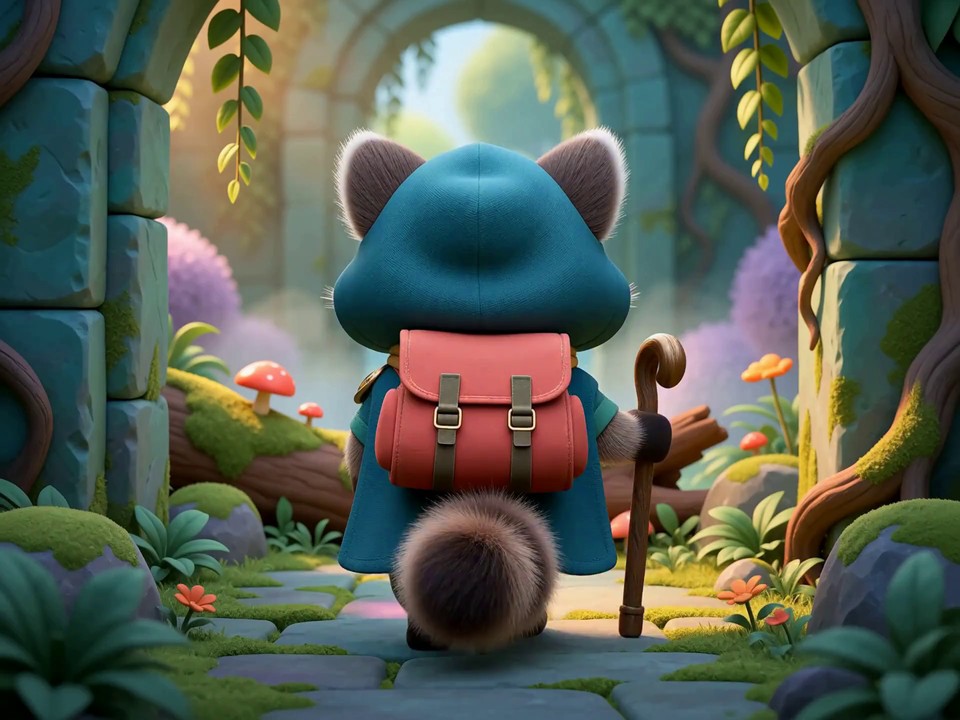
Give character art and environment concepts a sense of life. Add natural gestures, environmental motion and cinematic camera work to present a more convincing game pitch, animated concept or digital world.
- Animate character concepts while preserving the visual identity
- Build atmospheric world previews for games and entertainment
Why Use MiniMax H3 on cutout.pro?
cutout.pro brings MiniMax H3 into a streamlined browser-based image-to-video workflow for creators, marketers and teams, with no local deployment or complicated model setup.
2K Visual Detail
Create high-resolution video with the clarity needed for product details, campaign visuals and cinematic compositions.
Native Stereo Sound
Generate motion and sound as one coherent experience instead of treating audio as a disconnected afterthought.
Strong Prompt Following
Translate camera, action and atmosphere instructions into more intentional, controllable video results.
Multimodal Understanding
H3 is built to interpret text, image, video and audio context as parts of the same creative direction.
Up to 15 Seconds
Develop a complete beat, reveal or camera move with more room than a fleeting micro-clip.
One Creative Workspace
Start from an image, choose MiniMax H3 and create in the familiar Cutout.Pro workflow—no model setup required.
What Global Creators Say About cutout.pro
Creators use cutout.pro to turn approved images into clearer motion concepts, campaign variations and video-ready ideas without rebuilding their production workflow.
“I can turn a finished key visual into three motion directions before our client review. It makes the conversation concrete and saves an entire round of storyboarding.”
Emma Clarke
Creative Director · United Kingdom
“The product remains the hero while the camera and environment add energy. That is exactly what we need for fast ecommerce launch campaigns.”
Kenji Sato
Ecommerce Art Director · Japan
“I use a single editorial photo to test mood, motion and pacing before we shoot. It gives my team a much clearer visual target.”
Camila Rocha
Fashion Filmmaker · Brazil
“Cutout.Pro makes the model approachable. I can focus on the prompt and the visual idea instead of configuring a technical video pipeline.”
Jonas Weber
Independent Motion Designer · Germany
“For game pitches, a moving environment communicates scale and atmosphere far better than a static concept sheet. Iteration is now part of the pitch process.”
Aisha Bello
Game Concept Producer · Nigeria
“We repurpose approved campaign photography into short social clips without losing the original art direction. It has become a useful extension of our content workflow.”
Sophie Tremblay
Social Content Strategist · Canada
MiniMax H3 on cutout.pro: Frequently Asked Questions
Learn how to use MiniMax H3 through cutout.pro, prepare a suitable source image, write a clearer motion prompt and choose the right creative use case.
01What is MiniMax H3?
MiniMax H3 is a general-purpose multimodal generation model from MiniMax. It is designed to understand unified creative context across text, images, video and audio, then generate coherent video with native stereo sound.
02Can MiniMax H3 turn an image into a video?
Yes. On Cutout.Pro, open Image to Video with MiniMax H3 selected, upload a source image, describe the motion or camera direction you want and start generating.
03What resolution and video length does MiniMax H3 support?
MiniMax H3 can generate video at up to 2K resolution and supports clips up to 15 seconds, giving creators enough room for product reveals, camera moves and complete short-form moments.
04Does MiniMax H3 generate audio?
Yes. H3 supports native stereo sound generation, allowing the visual action and audio atmosphere to be created as a more unified experience.
05What images work best for MiniMax H3 image-to-video?
Use a clear, high-quality image with a readable subject, intentional composition and enough surrounding space for motion. Product shots, portraits, concept art and cinematic stills are strong starting points.
06How should I write a MiniMax H3 prompt?
Describe the subject action, camera movement, environmental motion, lighting and mood. Keep the main action specific—for example, “slow dolly in as the fabric moves in a soft breeze, warm sunset light.”
07What is MiniMax H3 best used for?
It is well suited to advertising, branding, ecommerce, product storytelling, social content, game concepts, cinematic previsualization and other workflows that benefit from controllable multimodal video.
08Do I need to install MiniMax H3?
No. Cutout.Pro provides browser-based access. Click any MiniMax H3 button on this page to open Image to Video with the model already selected.
Bring Your Images to Life with MiniMax H3 on cutout.pro
Open the cutout.pro Image to Video workspace, choose MiniMax H3, upload a still image and describe the motion you want to create.
Create a Video with MiniMax H3