Passport Photo Maker
or drop a file here
CTRL+V to paste image or URL
No image?
Try one of these:
Frequently asked questions
Why certain website does not support my passport photo?
Some websites may require photos to reach above or below certain DPI. If your original image is too small in size or too blurry, please use our Photo Enhancer first to upscale your photo before using our Passport Photo Maker.
Can You Take Passport Photos at Home?
Yes, but you will need to have the proper lighting, background, equipment, and follow the facial feature guidelines.
Can I take a passport photo with my iPhone?
Yes, you can use your iPhone, Android device, or other smartphone to take your passport photo. Make sure you follow all guidelines when taking the photo to include a white background, good lighting, and a friend for assistance (selfies are not allowed). Here is a guide on how to take a proper ID photo: https://www.cutout.pro/blog/passport-photo-maker/make-passport-photo-in-three-steps/
Are there any benefits of using online passport photo editor?
You can save money and time. Also, it’s safe without going out during the Covid pandemic. Plus, you can choose your passport photo and try different times with minimum cost.
AI Video Tools
AI Removal & Cutout Tools

Al Generation
Explore More AI
Al Video Enhancer
4k video quality enhancer online can unblur video, increase resolution and improve quality of video.
Photo Animer
Turn photo into moving video and bring portrait to life.

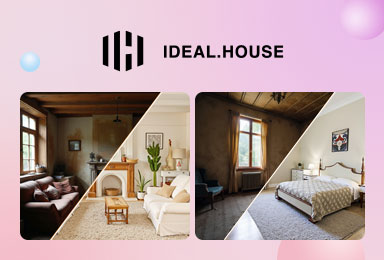
Free AI Interior Design Tools
Super-powerful AI interior design tools allow you to freely transform your rooms, including interior renovation, virtual staging, landscaping, etc.